
Manage every stage of the card lifecycle.
From issuance and activation to freezing, replacement and closure, every card moves through a series of events. Berkeley supports the workflows and infrastructure that help your program manage those changes throughout a card’s lifecycle.
On this page
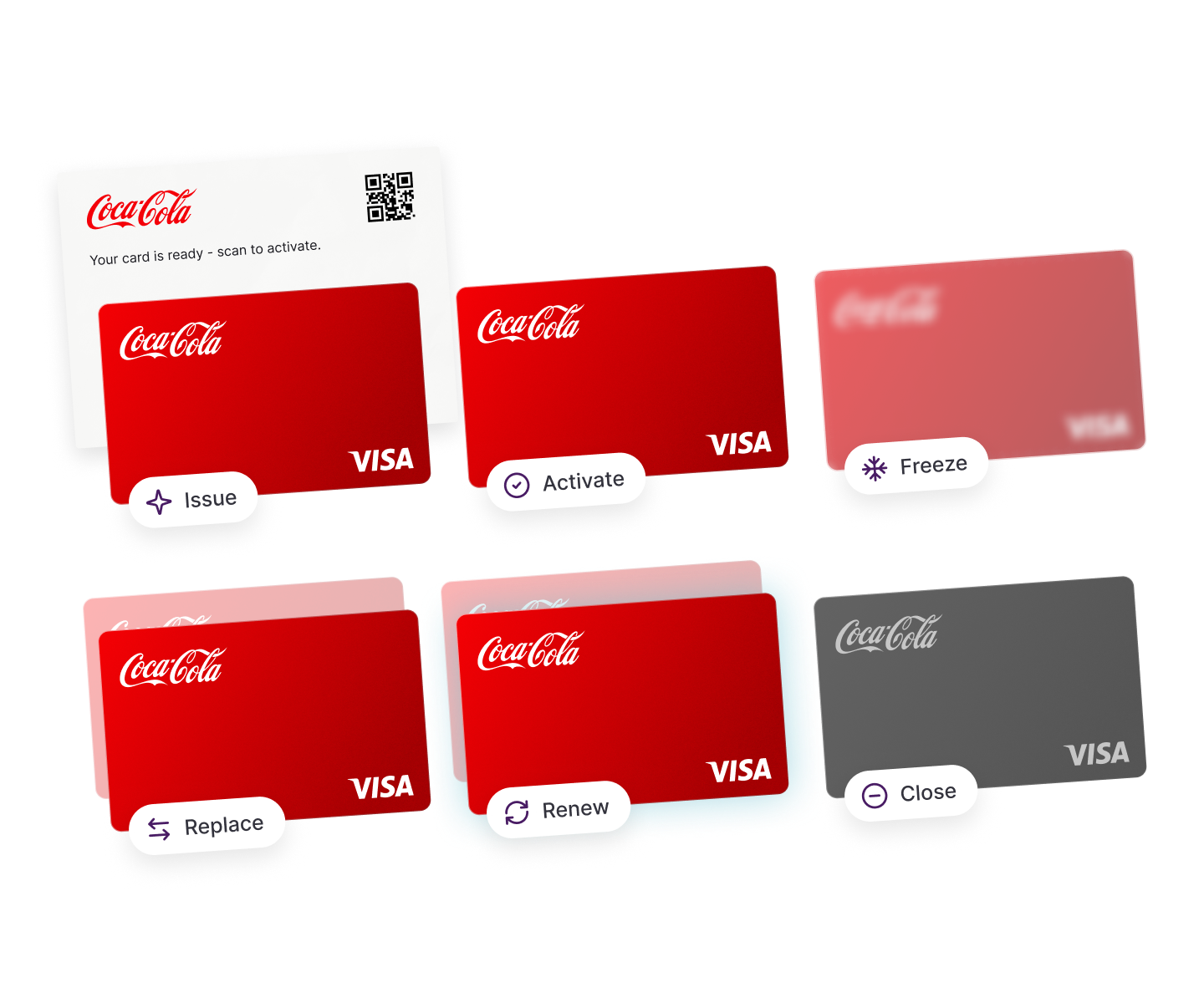
Core lifecycle events
A card’s lifecycle extends beyond issuing the card. Each change in status affects how the card can be used and how your program needs to respond.
I
Issue
Create a virtual or physical card.
II
Activate
Enable the card when it reaches the cardholder.
III
Freeze or unfreeze
Pause or restore use at any time.
IV
Replace
Reissue a lost, stolen or damaged card.
V
Expire or renew
Renew as the card reaches its end date.
VI
Close
Deactivate when it is no longer needed.
Keep connected systems in sync
A card status change can affect more than the card.
When a card is frozen, replaced or closed, the change carries through to everything connected to it.
Wallet tokens
Apple Pay and Google Pay tokens follow the card’s status, so a frozen or closed card stops working in the wallet too.
Transactions
New authorizations are declined or approved in line with the new status, from the moment it changes.
Reporting
Every status change is recorded with who made it and when, and appears in program reports.
Cardholder support
Support teams see the card’s current status and history when a cardholder gets in touch.
Tell us what you want to launch.
Tell us what you're building, where it needs to operate and how the money needs to move. We'll help identify the right program and the infrastructure behind it.