
Put eligible cards into the wallets your customers already use.
Support Apple Pay and Google Pay provisioning, giving eligible cardholders a convenient way to pay with their devices.
On this page
Two ways into the wallet
Virtual or physical, the card ends up on the phone.
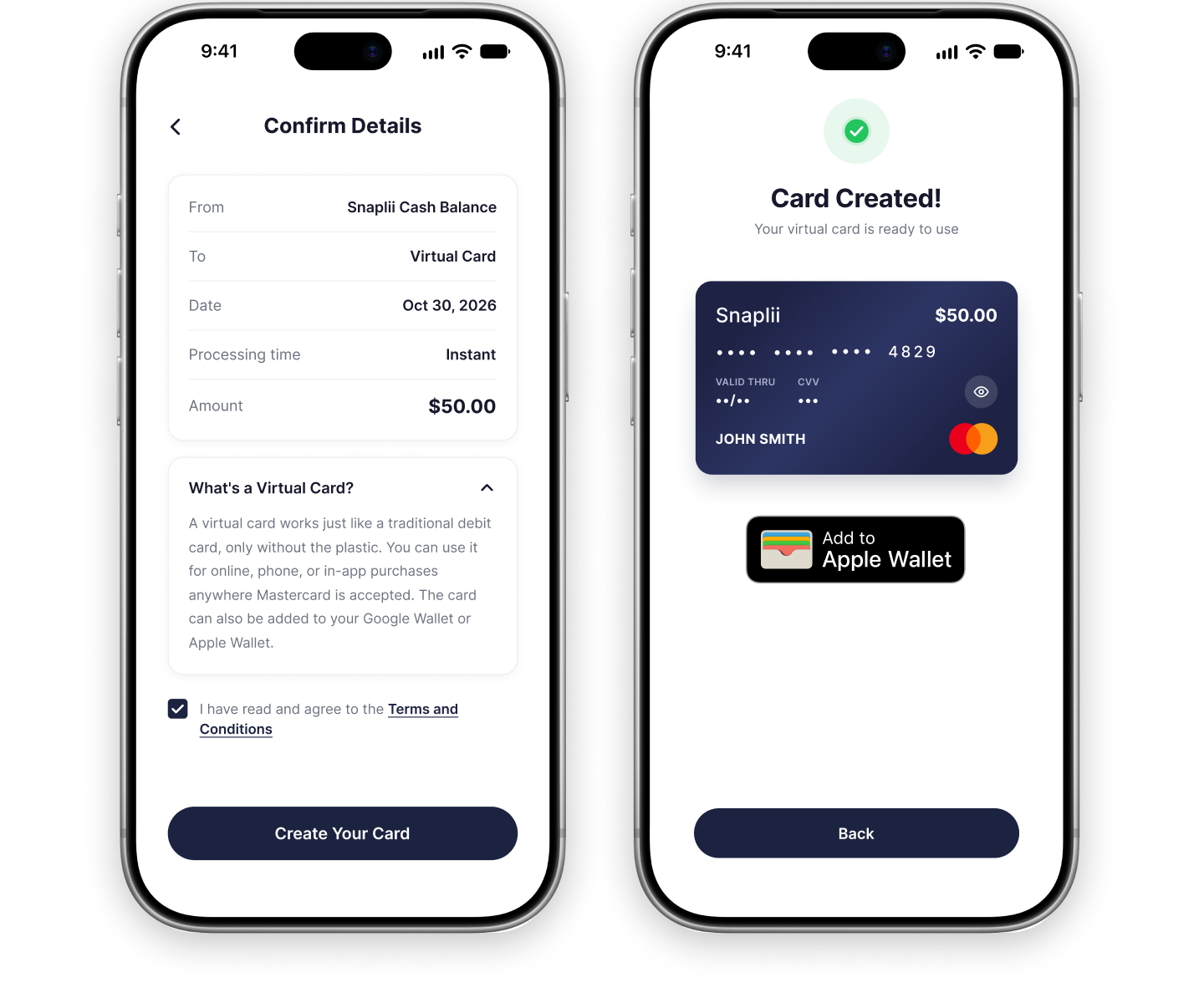
Cardholders can add a card to their wallet from the digital card journey, or after their physical card arrives.
Virtual card
I
Card issued
Spend online or add to a mobile wallet right away.
II
Added to wallet
Pushed straight to Apple Pay or Google Pay.
III
Card issued
Spend online or add to a mobile wallet right away.
Physical card
I
Card mailed
Sent to the cardholder.
II
Activated
Through your app, portal or support.
III
Added to wallet
Same card, now on the phone too.
Manage the card lifecycle
Keep wallet credentials in sync with card activity.
Digital wallet credentials are part of the card lifecycle. Berkeley supports the operational processes behind provisioning, token status, card freezes, replacements and other lifecycle events, helping keep digital and physical card experiences aligned.
Supported wallets and networks
Wallets
Apple Pay and Google Pay.
Networks
Visa and Mastercard.
Timing
Virtual cards can be added to a wallet as soon as they’re issued.
Tell us what you want to launch.
Tell us what you're building, where it needs to operate and how the money needs to move. We'll help identify the right program and the infrastructure behind it.